
Santa Cruz County Arrest Reports
Santa Cruz County's official arrest log route sits on the Sheriff's Transparency page. The URL now opens a login screen. Historic county PDFs still show the older report design. Those reports covered October 1 through 2, September 22 through 26, October 11 through 14, and October 21 through 23 of 2024, which confirms the county product was a multi-day report rather than a fixed daily roster. Since access and posting cadence can shift, check the route again before relying on it.
For live custody, use the Web Jail Viewer. The blotter earns its keep when you look backward across entered dates and multiple arresting agencies. For the very latest activity, turn to the Arrests Last 24 Hours page. That page handles the near-live question. It does not duplicate this wider archive task.
Santa Cruz Blotter Agency Boundaries
One county report can list arrests by several agencies. That does not erase the boundaries between them. The Sheriff provides custody and patrol service for the unincorporated parts of the county. Santa Cruz, Watsonville, Scotts Valley, and Capitola each run their own city police. A city arrest can still land in a Sheriff jail report after booking. The city incident record, the county custody entry, and the court file stay distinct.
Santa Cruz Police posts an Arrest and Activity Log built from reports approved in the prior 24 hours. The city says those posts remain for 30 days. Watsonville publishes daily and combined-date PDFs. It omits confidential details, and removes them 30 days after posting. Scotts Valley has no stable city arrest-log page. It offers a release-of-information route instead. These differences explain why one countywide blotter search can require several official channels.
Pick the source that fits the question. A dated Sheriff report shows the historic entered-date product. The Web Jail Viewer answers the question of current county custody. A city log traces the reported incident. NextRequest, by contrast, serves a defined slice of older county records. Superior Court holds the filed charges. Those boundaries serve a purpose. They keep a stale news item or an old city log from passing as proof that someone is still jailed.
Read Santa Cruz Blotter Dates
One phrase on the historic reports matters: “Public Arrest Report by entered date.” Entered time marks when an item hit the report system. It does not always match the arrest time. A late entry or a multi-day range can push a known event under a later date heading.
- Check the date range printed on the report, not only the file name.
- Locate the entered date and time, then compare the separate arrest date.
- Match the agency, case number, and booking number before assuming the name refers to the right person.
- Read release and court fields as separate stages, not as part of the arrest time.
- Confirm current custody in the county viewer and case disposition through the court.
The official route is preserved in this source capture.
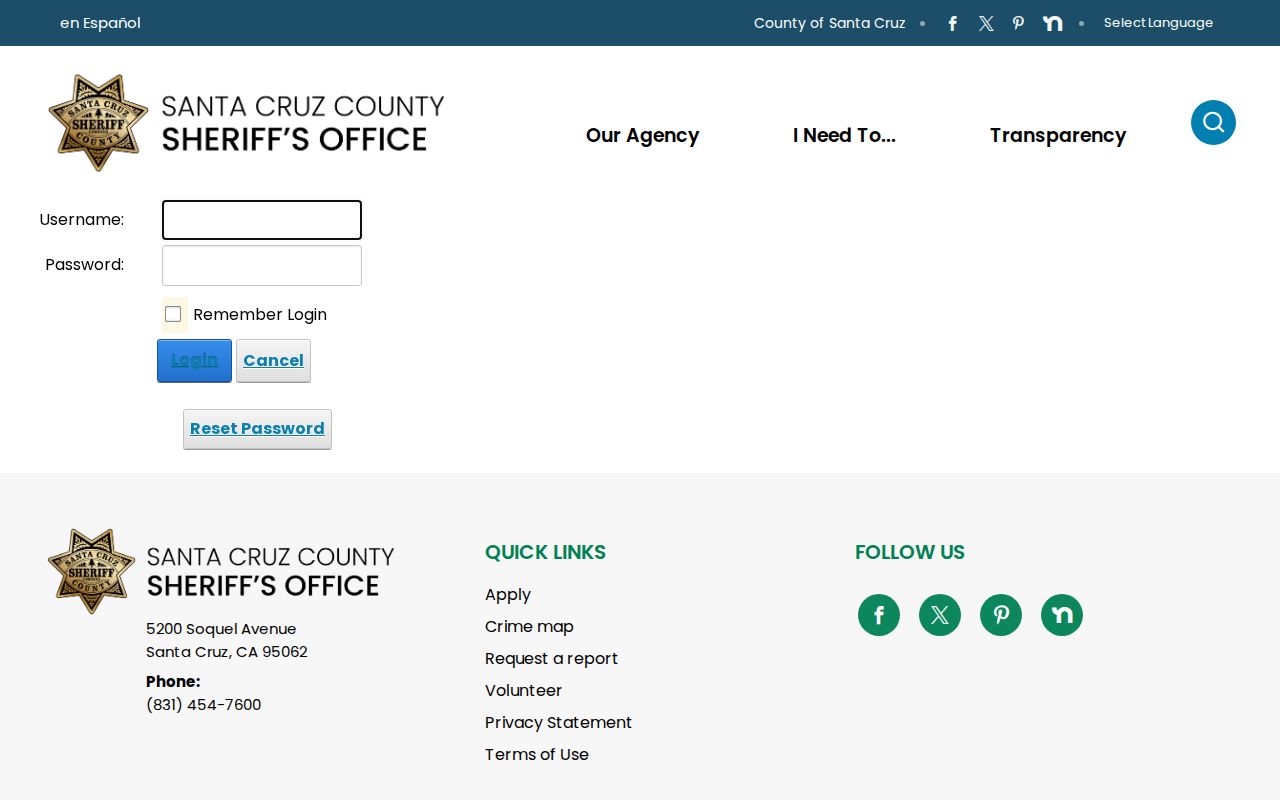
The capture identifies the county route but should not be read as a guarantee of open access today.
Santa Cruz Arrest Entry Fields
The old county reports carried many fields. Name, booking, and charge data all sat in structured columns. Today's portal may drop or reorder those details. Treat the inventory as a record of the former format, not a preview of any current screen.
| Field group | What it can establish |
|---|---|
| Entered and arrest times | Two distinct system events that explain apparent date conflicts. |
| Booking number and name | A county booking reference and the reported identity. |
| Agency, officer, case, location | Who created the arrest record and where the event was reported. |
| Charges, level, warrant, bond | Charges and initial custody terms, not a conviction. |
| Housing and release data | A point-in-time facility and any recorded release event. |
| Court department, case, date | A route to later court records, not the final outcome by itself. |
Physical descriptors appeared as well. Those details helped identify the person arrested. Sensitive operational data deserves different care. Leave health details, private phone numbers, identity-document numbers, and emergency contacts out of anything you copy.
Weekend Santa Cruz Arrest Reports
Several historic reports span weekends or multiple business days. That pattern falls short of proving a formal weekend schedule. It does show the value of a multi-day search. Weekend and holiday entries slip past a one-day filter. Approval steps, transport, and plain data entry can place an event and its public row on different dates. City logs run on their own clocks. Santa Cruz Police builds its log from reports approved in the previous 24 hours and keeps posts for 30 days. Watsonville's dated and combined-date PDFs also disappear 30 days after posting, and neither city rule says anything about Sheriff retention or live county custody.
Santa Cruz Blotter Archives
Santa Cruz County keeps no single archive that covers every blotter date. The Web Jail Viewer publishes no retention schedule, so older Santa Cruz arrest listings can vanish. Historic Sheriff PDFs sometimes linger at direct URLs. Together they do not form a complete archive.
When a Santa Cruz date range rolls off, file a request through the SCSO NextRequest portal. Include the date span, the agency, a booking or case number, a name, and the fields you want. The official county records portal handles requests for expired reports.
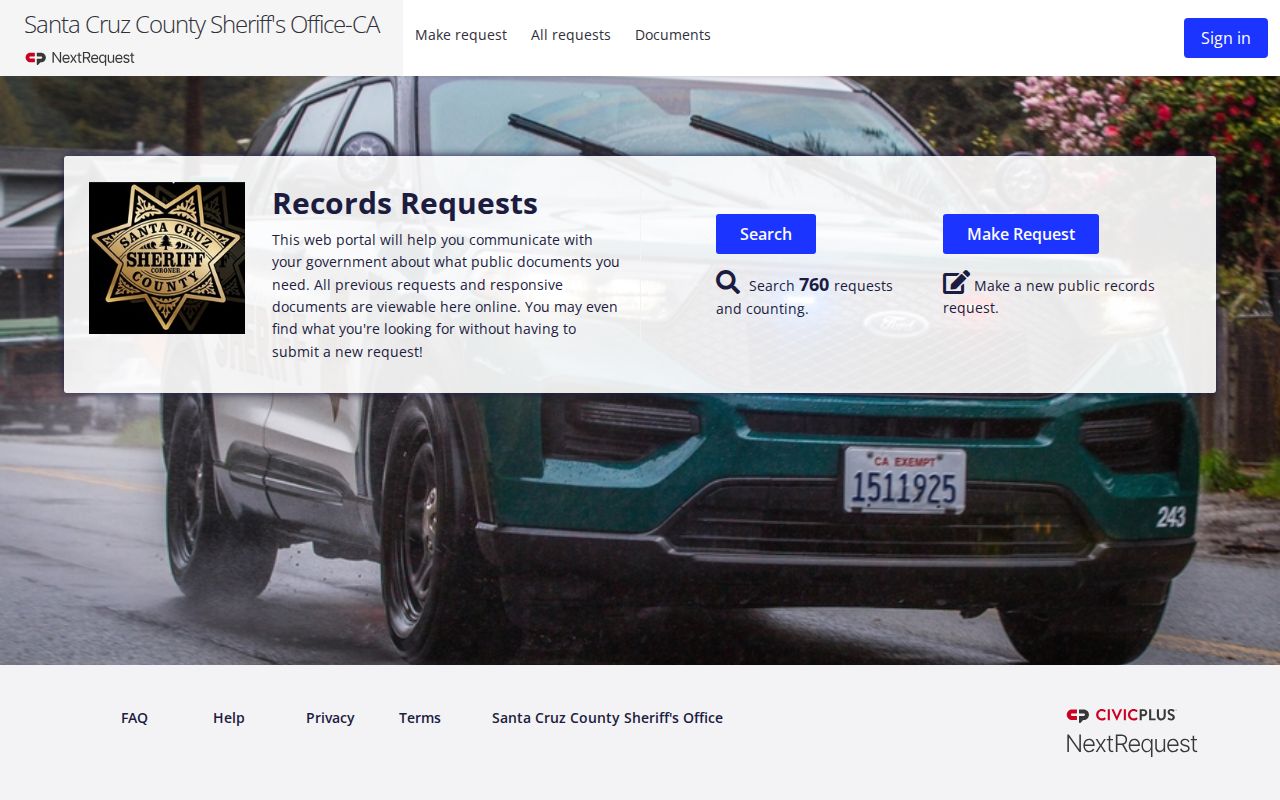
A focused request is more reliable than treating an unofficial copy as the county archive.
Local Santa Cruz Arrest Coverage
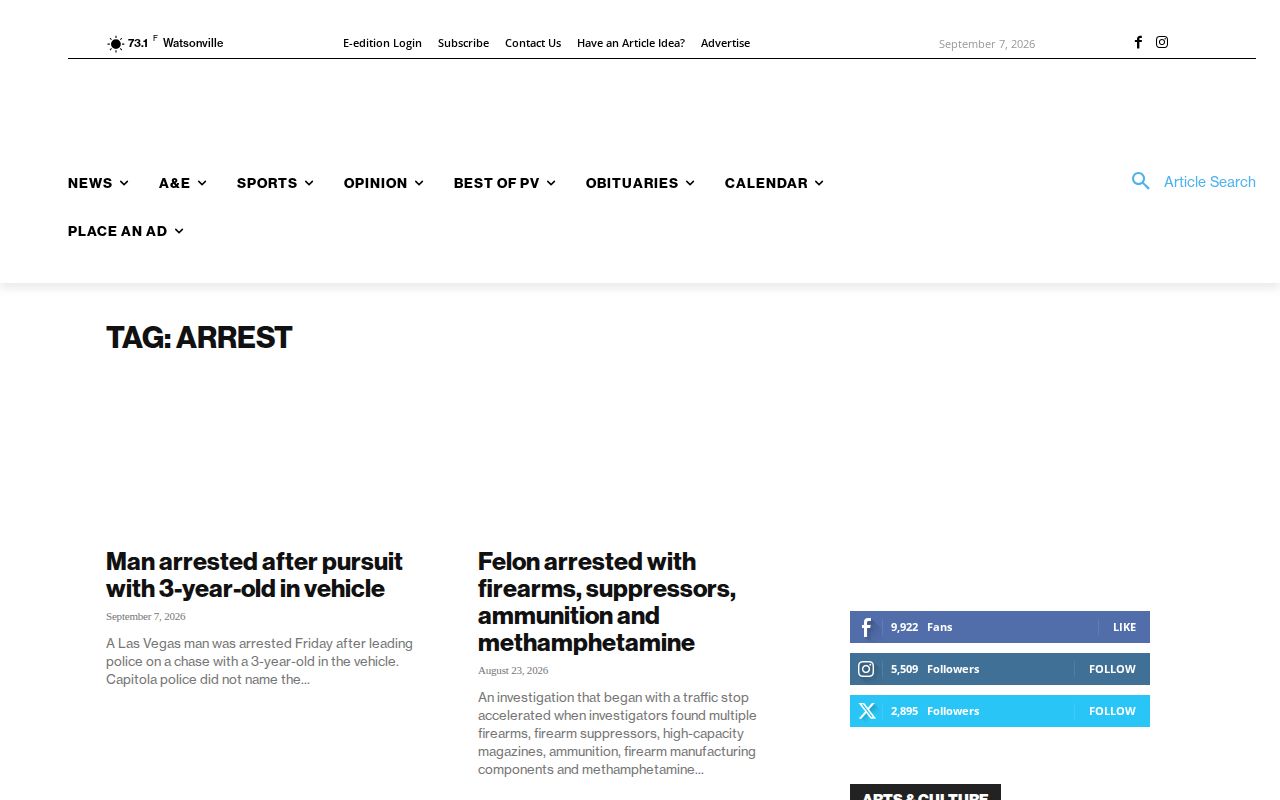
News coverage adds context that a roster cannot. The Pajaronian arrest archive collects stories and police-log items for Watsonville and the Pajaro Valley. A story may lean on agency statements, describe a court stage, or run a file or scene photo. None of that shows live custody.
Lookout Santa Cruz and CruzSignal add local reporting and incident data. CruzSignal skips names and pins events to block level. Neither one replaces the Sheriff, a city police log, or the court. Official sources come first.
Verify Santa Cruz Arrest Outcomes
A booking charge is only the start of the story. That is what a Santa Cruz arrest blotter shows. Charges get reduced, dropped, refiled, or changed entirely. The Superior Court online services portal shows current case status. The court copy process yields the official disposition. A disposition is simply the court's final word on how the arrest case ended.
Search Santa Cruz Arrest Records
Work backward through official dated sources, then request the missing range and verify the court result.
Sponsored Results